Best Printer for Photos and Scanning: Photo Quality, Ink Costs and Home Scanners
Finding the best printer for photos and scanning is about more than print resolution. A great family all-in-one should reproduce colorful snapshots, scan old photos without damaging them, and handle school or office documents without wasting ink. Cartridge models usually cost less upfront, while refillable tanks are often less expensive for frequent photo printing. Flatbed scanners are ideal for fragile originals; an automatic document feeder (ADF) makes scanning stacks of paperwork much easier. Below are ten newer printer models worth comparing for those distinct needs, with an emphasis on realistic photo quality, scanning convenience, and long-term ink expense.
Buying tip: Choose the scanner for the type of originals you handle most, then compare ink replacement costs based on how often you print—not just the sticker price.
Photo Printer and Scanner Comparison Chart
| Printer | Best for | Ink | Scanning | Amazon |
|---|---|---|---|---|
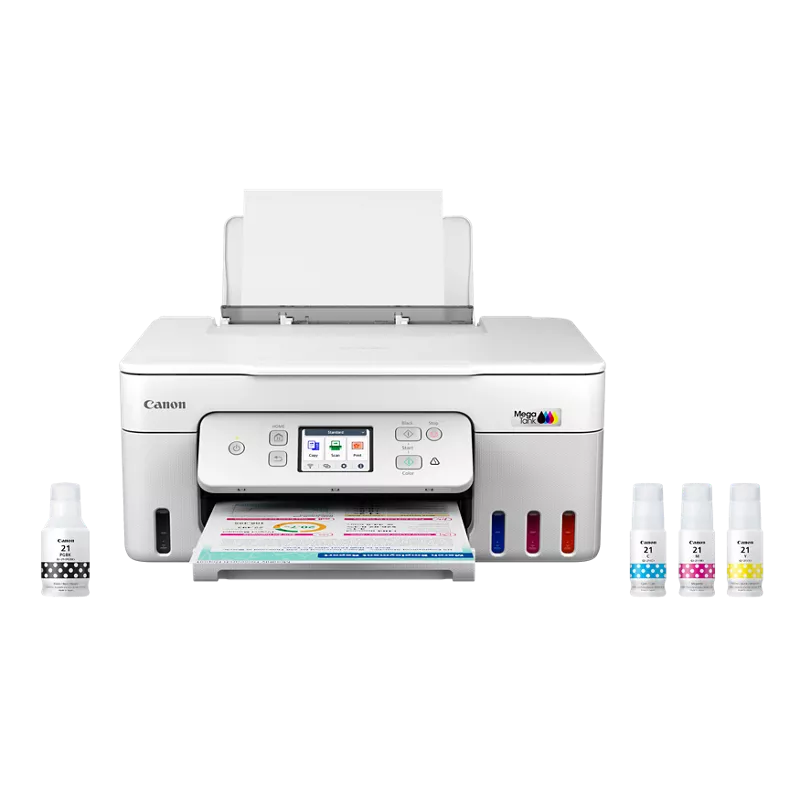 Canon PIXMA MegaTank G3290 |
Best overall home photo value | Refillable 4-color tank | Flatbed; no ADF | Check the latest price on Amazon |
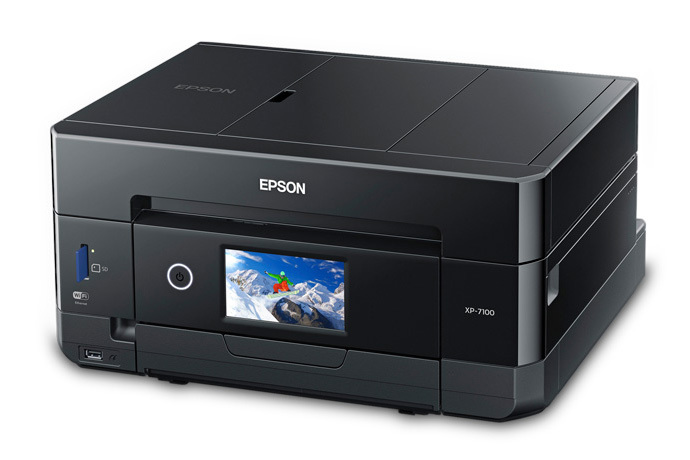 Epson Expression Premium XP-7100 |
Best for document scanning and photos | 5-color cartridge ink | ADF; auto duplex scanning | Check the latest price on Amazon |
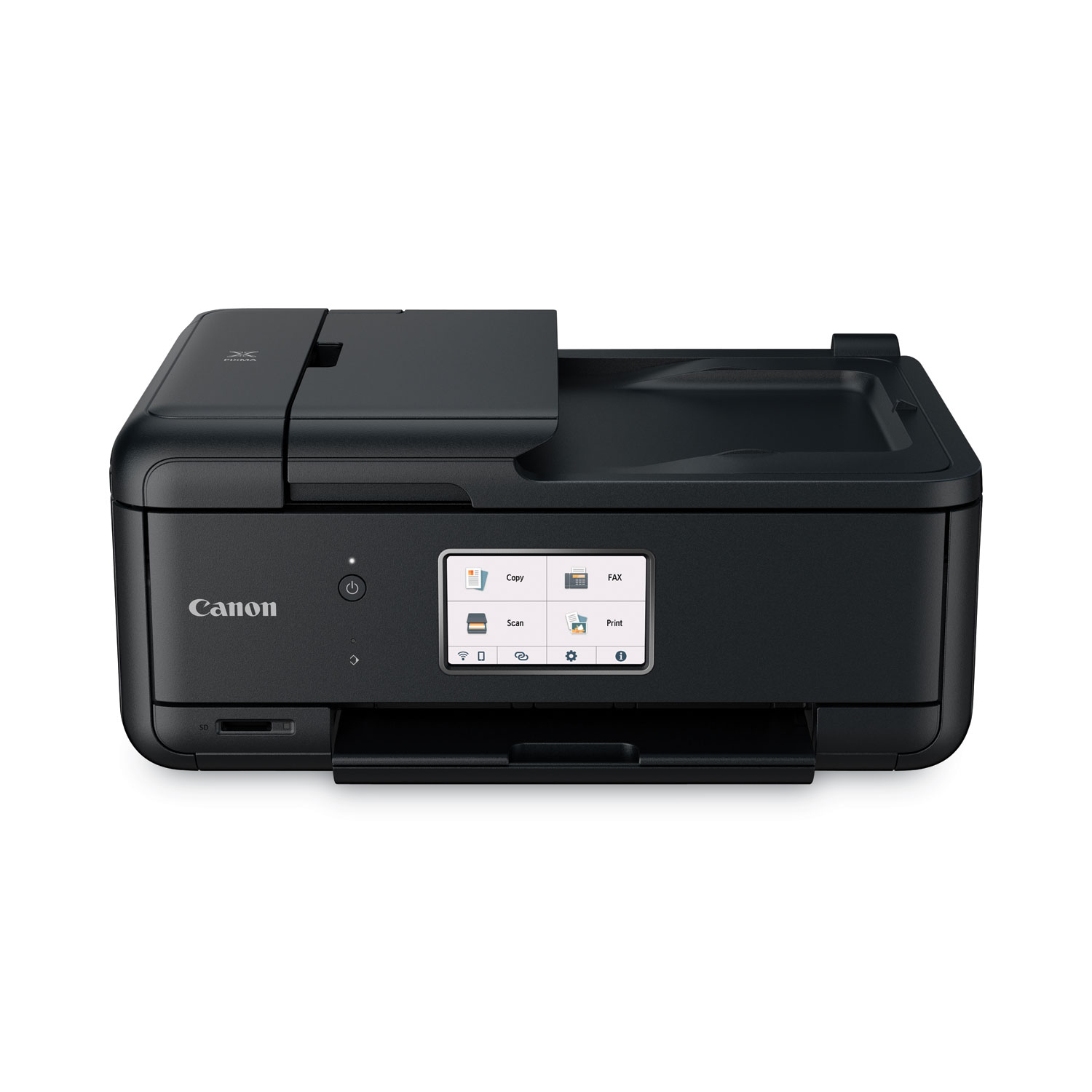 Canon PIXMA TR8620a |
Best compact home office photo printer | 5 individual cartridges | Flatbed and 20-sheet ADF | Check the latest price on Amazon |
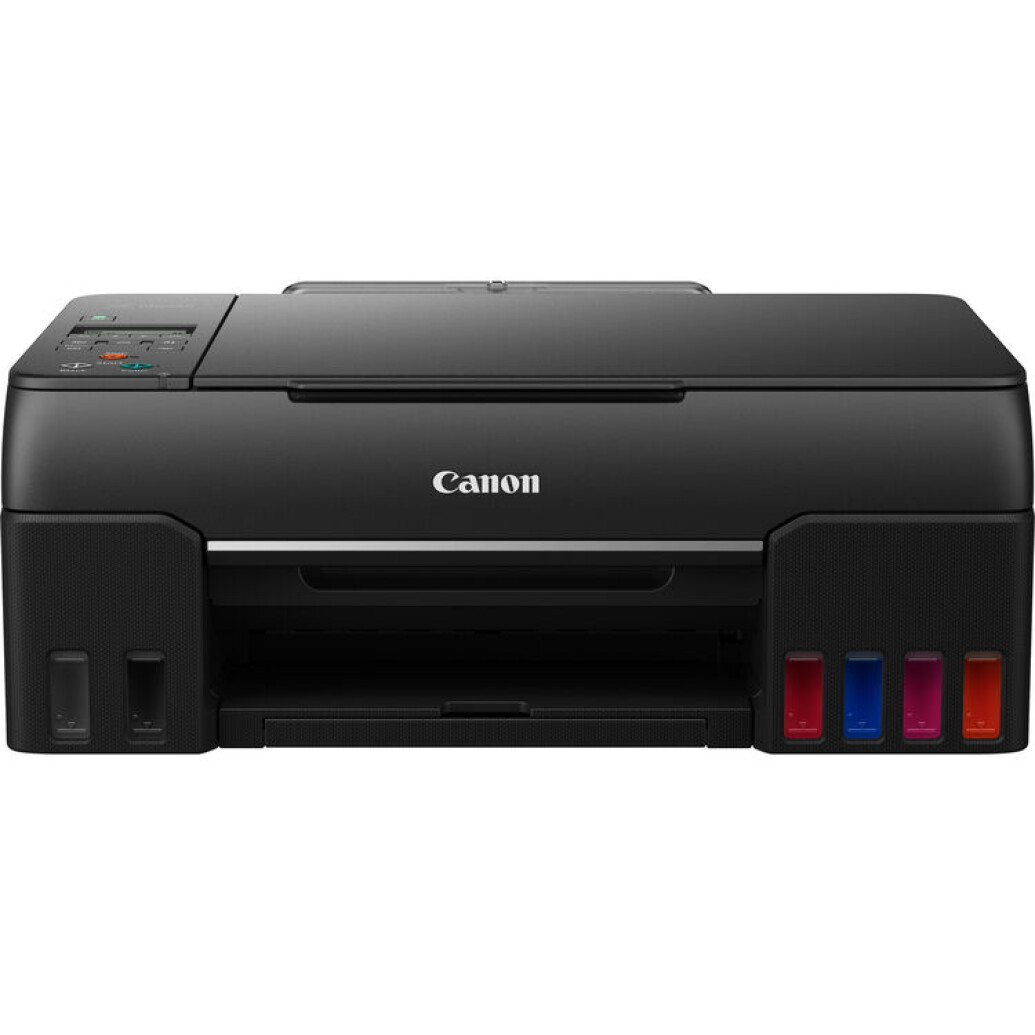 Canon PIXMA G620 |
Best six-color tank printer for snapshots | Six dye-ink bottles | Flatbed | Check the latest price on Amazon |
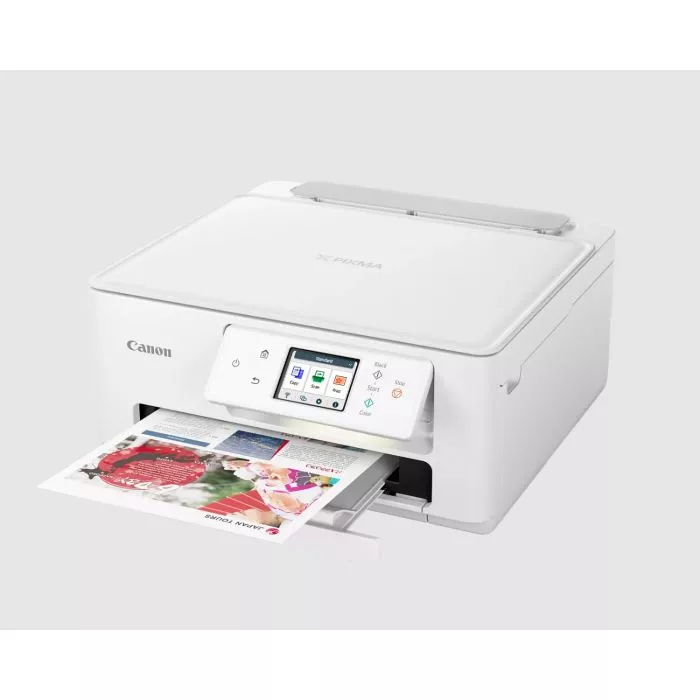 Canon PIXMA TS7720 |
Best lower-cost occasional printing | Two-cartridge inkjet | Flatbed | Check the latest price on Amazon |
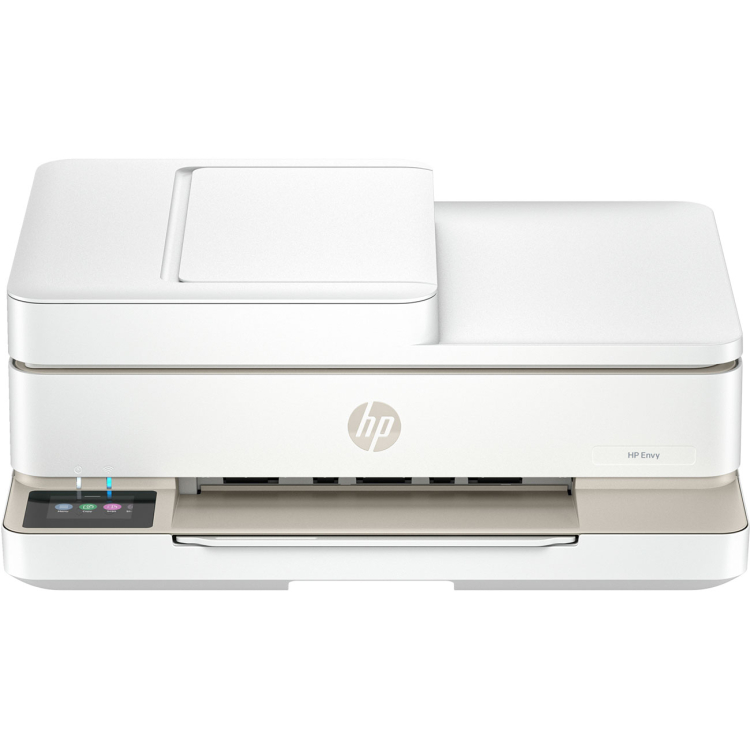 HP ENVY 6555e |
Best everyday family documents and snapshots | Cartridge inkjet | Flatbed and ADF | Check the latest price on Amazon |
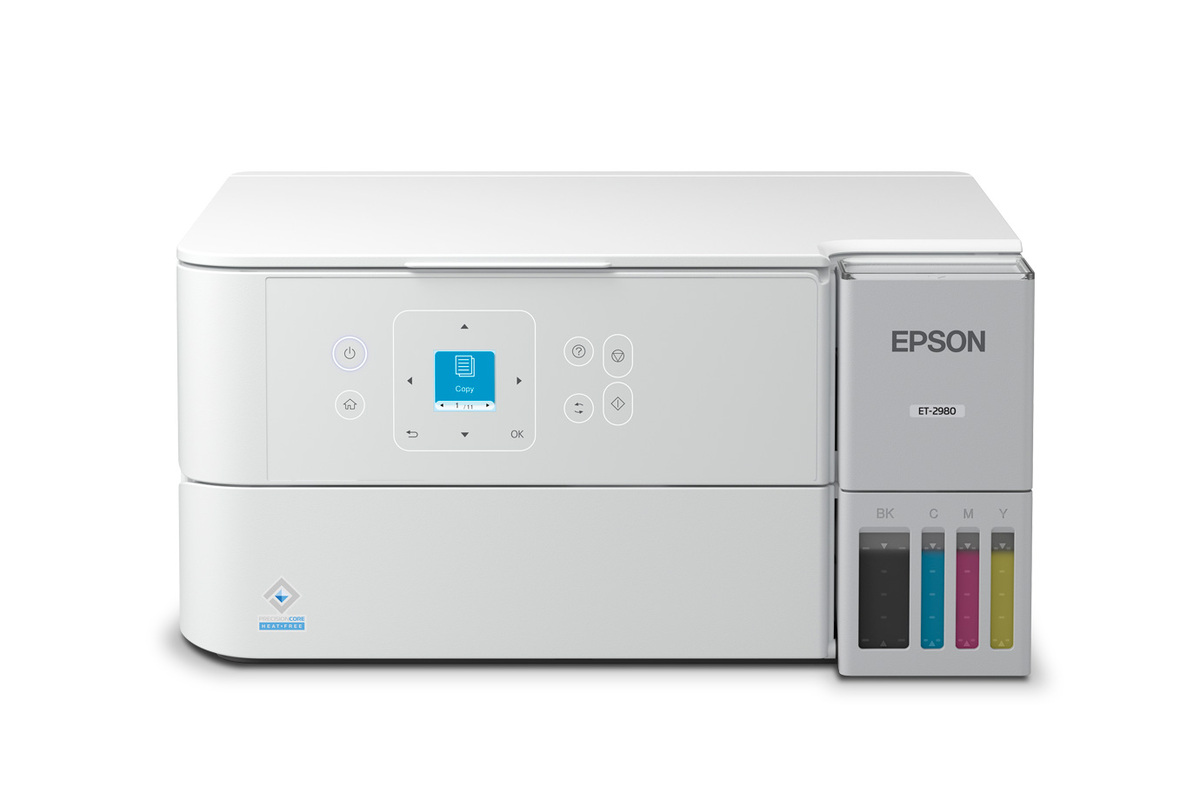 Epson EcoTank ET-2980 |
Best refillable everyday all-in-one | Four-color ink tanks | Flatbed | Check the latest price on Amazon |
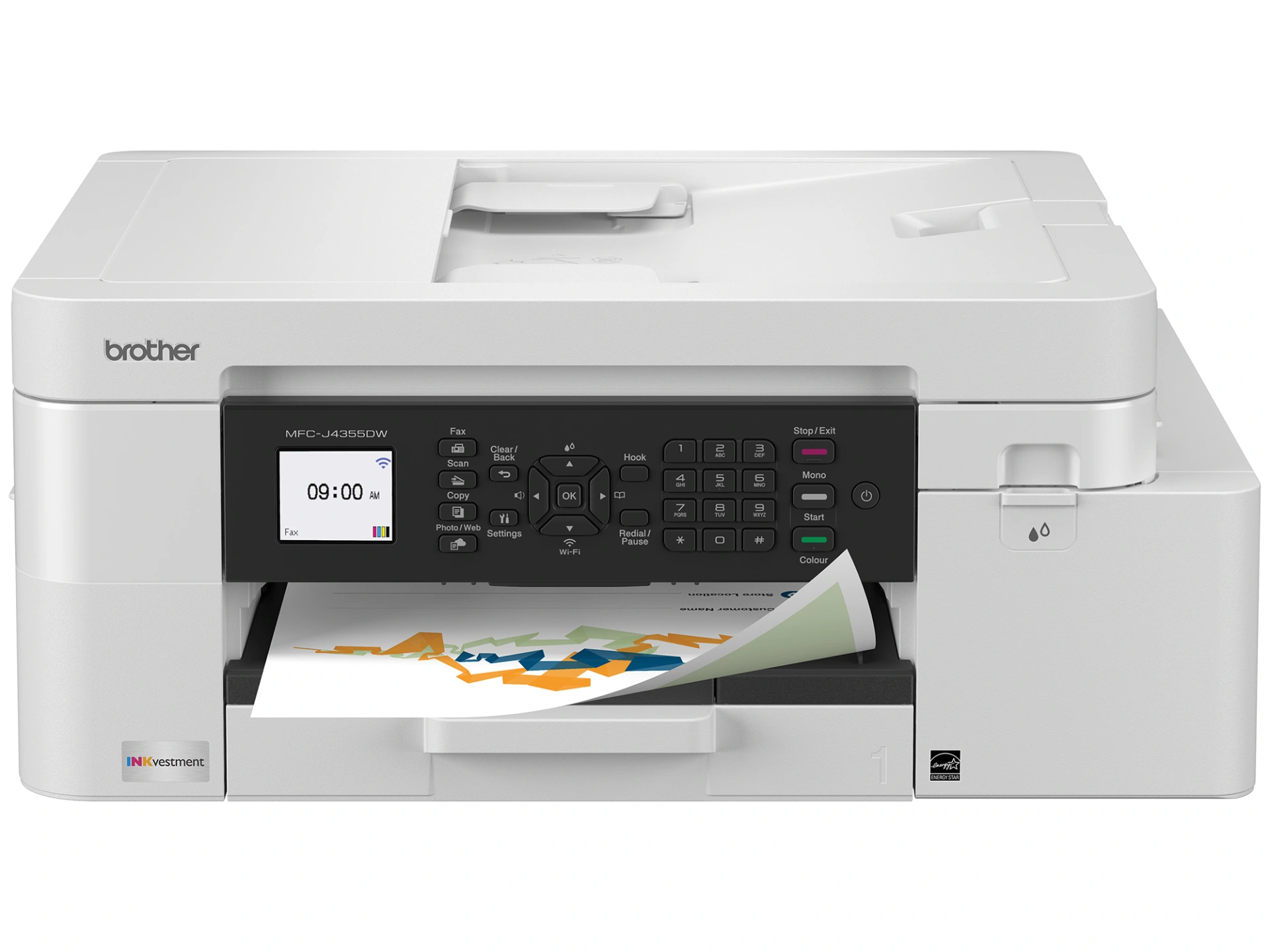 Brother MFC-J4355DW |
Best for paperwork plus some photos | Ink cartridges | Flatbed and ADF | Check the latest price on Amazon |
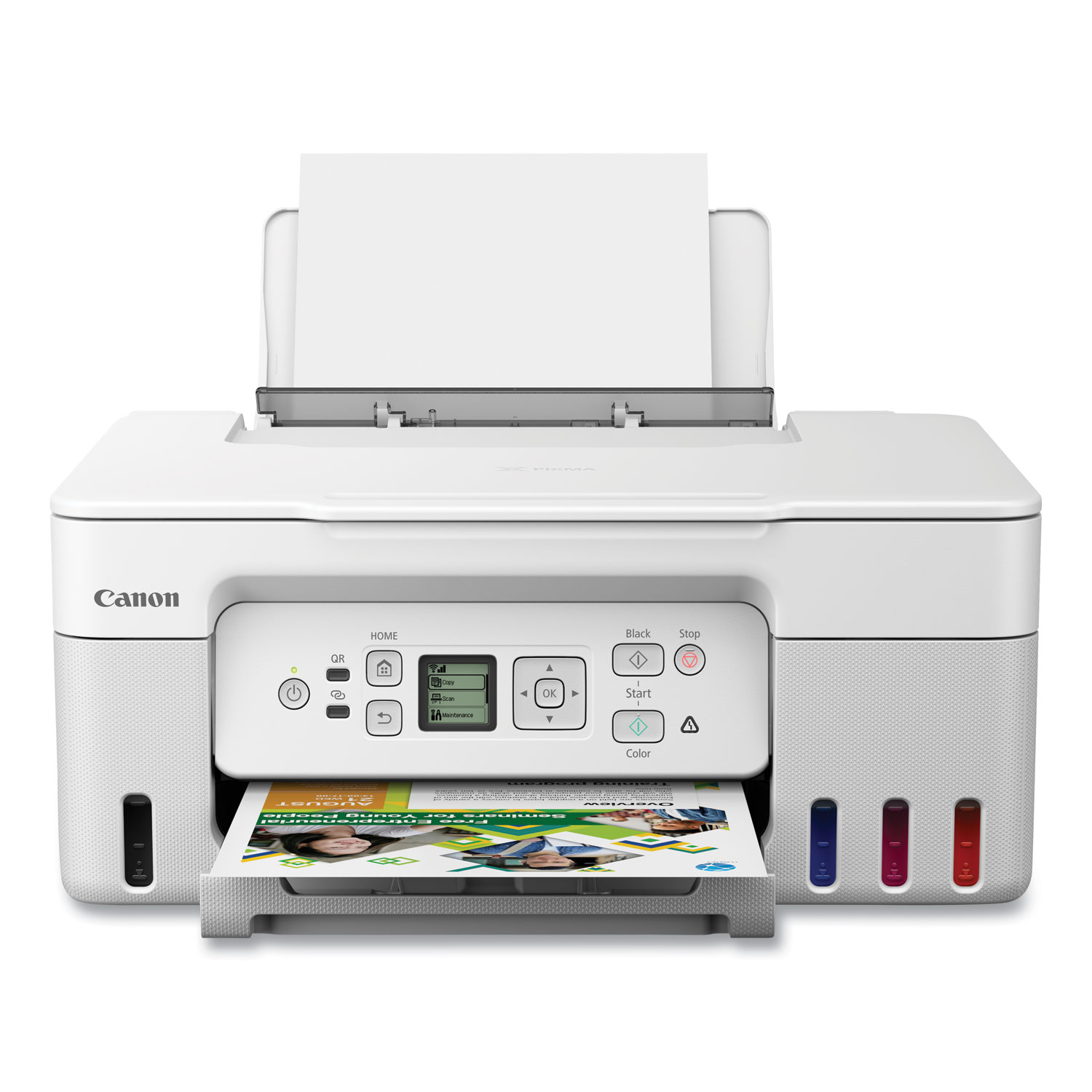 Canon PIXMA G3270 |
Best simple low-cost ink tank | Four-color refillable ink | Flatbed | Check the latest price on Amazon |
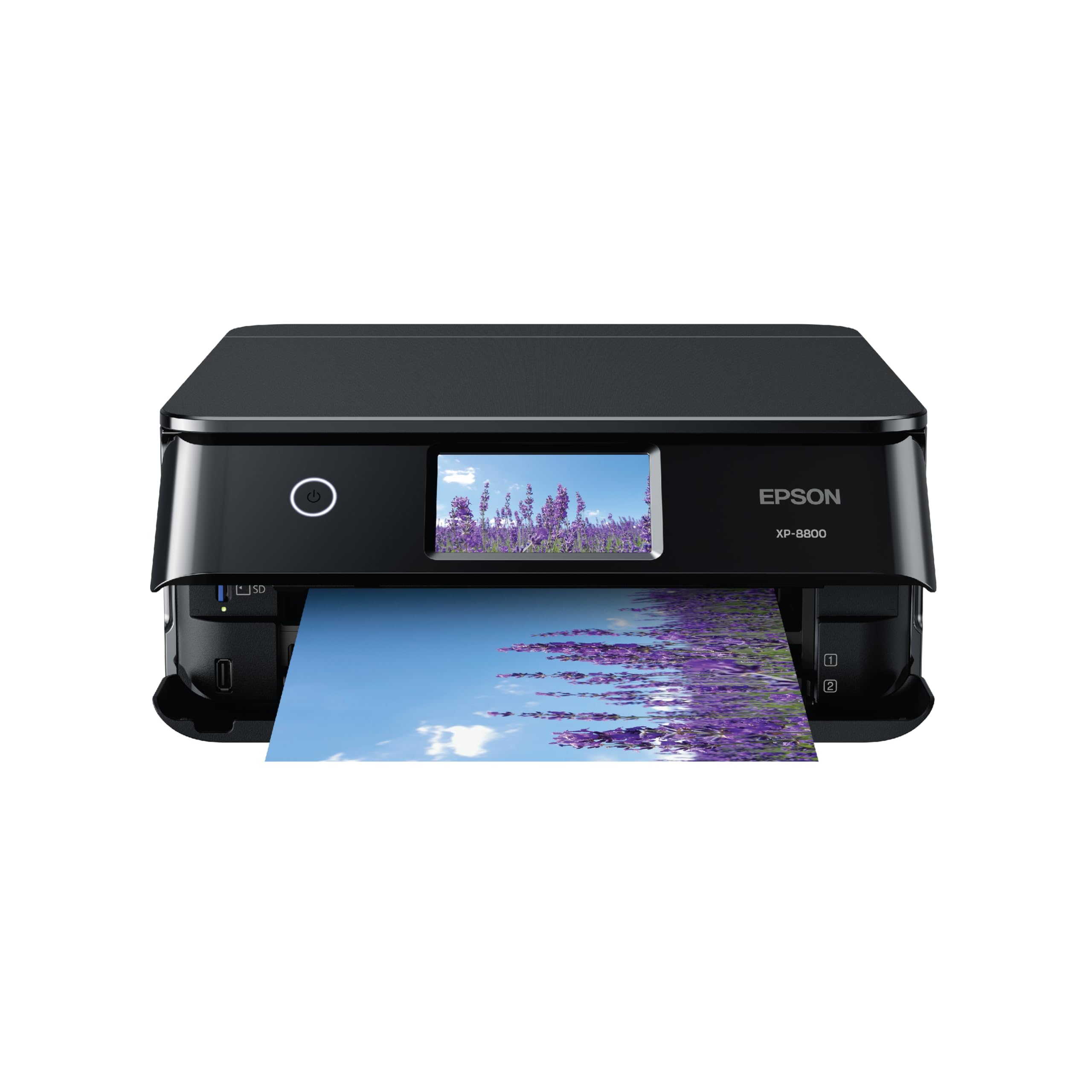 Epson Expression Photo XP-8800 |
Best specialist cartridge photo all-in-one | Six-color photo cartridges | Flatbed | Check the latest price on Amazon |
Amazon buttons link directly to the matching printer listings. Prices, stock, and customer-review totals can change; confirm the current offer before purchasing.
Our 10 Printer Picks for Photos and Scanning
1. Canon PIXMA MegaTank G3290 — Best overall home photo value
Ink: Refillable 4-color tank · Scanner: Flatbed; no ADF
A practical choice for households that print colorful photos regularly but also want to scan receipts, schoolwork, and occasional family photographs. The refillable MegaTank system changes the economics of everyday color printing, and automatic two-sided document printing helps with home-office tasks. Because its scanning is flatbed-only, it is less convenient for a stack of paperwork. Color output is well suited to home photos, but serious photographers may want a dedicated six-color photo-ink system.
2. Epson Expression Premium XP-7100 — Best for document scanning and photos
Ink: 5-color cartridge ink · Scanner: ADF; auto duplex scanning
The XP-7100 balances image quality with unusually useful document-handling features for a compact family printer. Its five-ink arrangement and photo-oriented paper support make it appealing for snapshots and creative projects, while the automatic document feeder helps with forms and multipage household records. Automatic two-sided scanning is an advantage for mixed photo and office use. Because it uses cartridges, frequent full-color printing can cost substantially more than with a refillable ink tank.
3. Canon PIXMA TR8620a — Best compact home office photo printer
Ink: 5 individual cartridges · Scanner: Flatbed and 20-sheet ADF
This compact Canon is useful for families who split their time between photos, school projects, and paperwork. Five individual ink tanks help produce good color output without replacing every color at once, and the document feeder is a meaningful convenience for scanning multipage letters and applications. Front and rear paper feeds add flexibility for swapping between plain paper and photo sheets. Its upfront price can be appealing, though running costs are higher than refillable models.
4. Canon PIXMA G620 — Best six-color tank printer for snapshots
Ink: Six dye-ink bottles · Scanner: Flatbed
Canon’s six-color refillable photo printer focuses on vibrant family photos and album projects at low ink cost per print. If you produce many borderless snapshots, its specialized dye-ink setup makes more sense than an office-oriented four-color machine. It also scans and copies, making it more flexible than a dedicated photo-only printer. The main compromise is speed and document-handling: it lacks an automatic feeder and is less convenient for routine business paperwork.
5. Canon PIXMA TS7720 — Best lower-cost occasional printing
Ink: Two-cartridge inkjet · Scanner: Flatbed
For users who only print a few photos and documents each month, the TS7720 offers a compact, straightforward all-in-one design without a premium purchase price. Its touchscreen and simple wireless setup suit occasional family printing and scanning. The two-cartridge system is convenient to replace, but it can become expensive for households printing many large, colorful photos. It is best viewed as a value-minded multipurpose printer, not a specialist photo lab replacement.
6. HP ENVY 6555e — Best everyday family documents and snapshots
Ink: Cartridge inkjet · Scanner: Flatbed and ADF
HP’s ENVY 6555e is directed at everyday home needs, including homework, forms, photos, and scanning. An automatic document feeder can make digitizing stacks of forms less tedious, and mobile connectivity reduces setup friction for a family sharing one printer. It is worth comparing the cost of replacement ink and the terms of any offered subscription before purchasing. Photo output can be pleasant for casual use, but slower printing and ink costs make it less compelling for hundreds of prints.
7. Epson EcoTank ET-2980 — Best refillable everyday all-in-one
Ink: Four-color ink tanks · Scanner: Flatbed
The ET-2980 targets the household that wants a dependable printer and scanner with significantly lower ongoing ink expense. Refillable bottles make it attractive for recurring school handouts, bills, and occasional color photos. Its flatbed scanner is useful for photos or a few documents at a time, while automatic two-sided printing helps reduce paper waste. Compared with premium photo models, four-color inks and a simpler feature set offer less creative flexibility for specialty photo media.
8. Brother MFC-J4355DW — Best for paperwork plus some photos
Ink: Ink cartridges · Scanner: Flatbed and ADF
Brother’s MFC-J4355DW is a document-first alternative for people who scan many pages but also need occasional color images. The automatic document feeder simplifies contracts and school paperwork, and the printer is generally focused on reliable everyday productivity. Text clarity and scanning may matter more to its ideal buyer than perfect photo color. Anyone making albums, gallery prints, or large batches of pictures should compare a Canon or Epson photo-focused alternative instead.
9. Canon PIXMA G3270 — Best simple low-cost ink tank
Ink: Four-color refillable ink · Scanner: Flatbed
The G3270 is another sensible option for households that print enough to benefit from refillable ink but do not need a busy office machine. It prints, scans, and copies with a straightforward flatbed setup, which suits family snapshots and occasional document archiving. Running costs can be attractive relative to small cartridges. It lacks conveniences such as a feeder for stacks of originals, so compare it with the G3290 if automatic two-sided printing or a newer interface matters.
10. Epson Expression Photo XP-8800 — Best specialist cartridge photo all-in-one
Ink: Six-color photo cartridges · Scanner: Flatbed
The Expression Photo XP-8800 prioritizes more refined home photography than general office output. Six inks, removable-media support, and photo-oriented paper paths can appeal to people who value details in family prints, creative albums, and craft projects. A built-in flatbed allows copies and scans of loose photos. It is a better fit for occasional high-quality images than large-volume inexpensive prints, because multiple small cartridges can be costly to replace.
How to Choose the Best Printer for Photos and Scanning
Photo quality and paper support
Glossy photos demand good color gradients and accurate skin tones. Look for borderless 4-by-6 printing and check whether larger sizes or specialty media are supported. Six-color photo systems can deliver more nuanced results than basic office-oriented four-color inkjets, though quality varies by model and paper.
Scanning photos versus multipage paperwork
Use a flatbed for delicate prints, photo albums, and irregular originals. Use an ADF for stacks of loose documents. Automatic two-sided printing does not mean a printer also scans both sides automatically. For family-photo archiving, a true optical resolution around 600 dpi is often a helpful starting point; save archival masters as TIFF or PNG.
Ink costs and how often you print
Refillable tanks usually have more expensive hardware but lower ink expense when printing regularly. Small cartridge systems can be practical for infrequent use. Manufacturer page-yield figures are based on standardized documents, not full-bleed photos, so a 4-by-6 photo’s actual ink expense will differ. Inkjets also require periodic operation and cleaning.
Home office requirements
Compare Wi-Fi setup, AirPrint/Mopria support, scan-to-PDF workflow, document feeder capacity, paper trays, and whether subscription ink enrollment is optional. Google Cloud Print is discontinued and should not be part of a 2026 purchase decision.
Frequently Asked Questions
Is inkjet or laser better for family photos?
Photo-oriented inkjets usually produce better glossy pictures and subtler color than color laser models. Laser printers are often better suited to high-volume office documents.
Should I buy a photo printer with an ADF?
An ADF is worth having when you regularly scan bills or contracts. A flatbed remains the better tool for old photographic prints; many machines have both.
Are ink tanks cheaper than cartridges?
Often, when printing frequently. Estimate your annual printing needs and compare genuine replacement ink, paper, maintenance and purchase price before deciding.
Which printer is best for scanning old family photographs?
Choose a model with a good flatbed, appropriate optical resolution, and reliable scan software. The Epson EcoTank Photo ET-8500 is a premium alternative if your budget stretches beyond the value-focused options above.
Final Verdict
For most families balancing photos, scans, and ongoing ink expense, the Canon PIXMA MegaTank G3290 is the strongest starting point. Choose the Epson Expression Premium XP-7100 instead when automatic document feeding and duplex scanning are essential. The Canon PIXMA G620 is a compelling choice for frequent snapshots with a dedicated six-color tank system, while the Canon PIXMA TS7720 suits occasional low-cost home use. These are use-case recommendations, not a claim of hands-on testing or live Amazon inventory confirmation. Check the latest price on Amazon.